
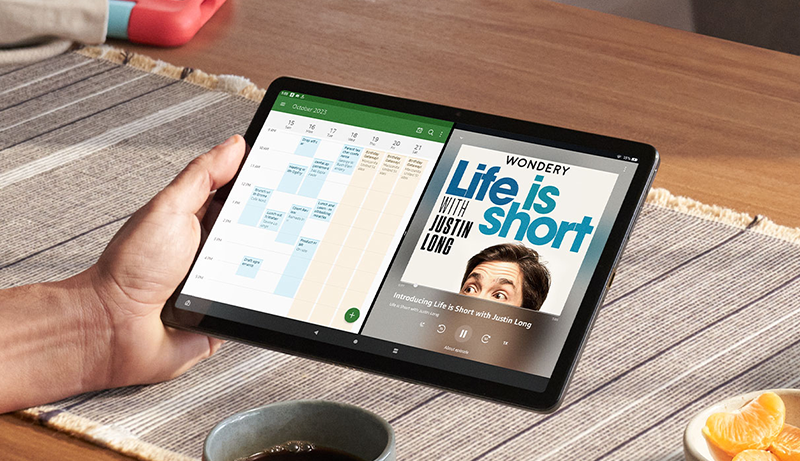
Finding the best tablet for visually impaired users means focusing on clarity, accessibility, and ease of interaction. Modern tablets have evolved to provide vibrant displays, powerful performance, and advanced accessibility features designed to support those with vision challenges. Whether you need larger text, voice commands, or customizable contrast settings, these devices deliver intuitive interfaces that adapt to every user’s needs.
A good tablet for visually impaired individuals should offer sharp visuals, responsive touch controls, and a reliable voice assistant. Display technology plays a vital role — the brighter and clearer the screen, the easier it is to read and navigate apps. Long battery life and comfortable screen sizes also ensure users can stay connected, entertained, or productive throughout the day.
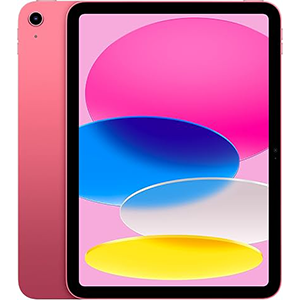
Apple iPad 10g
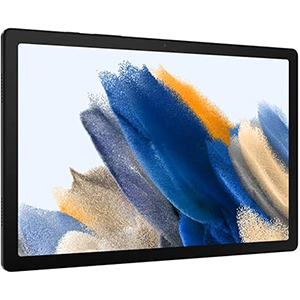
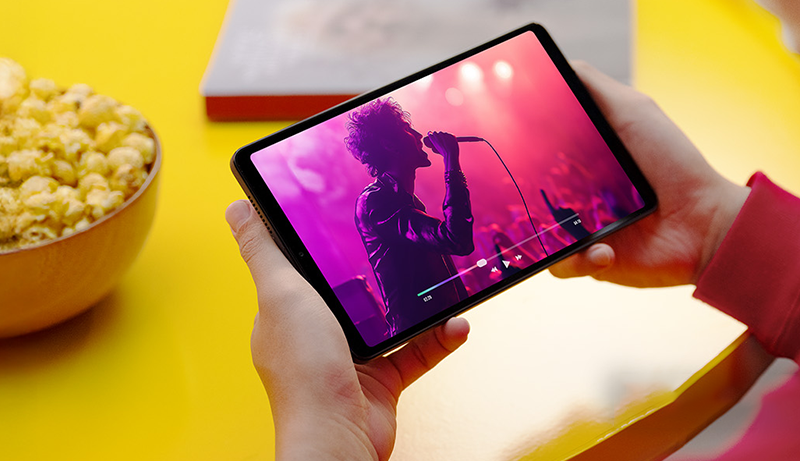
Galaxy Tab A
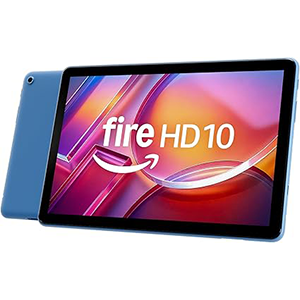
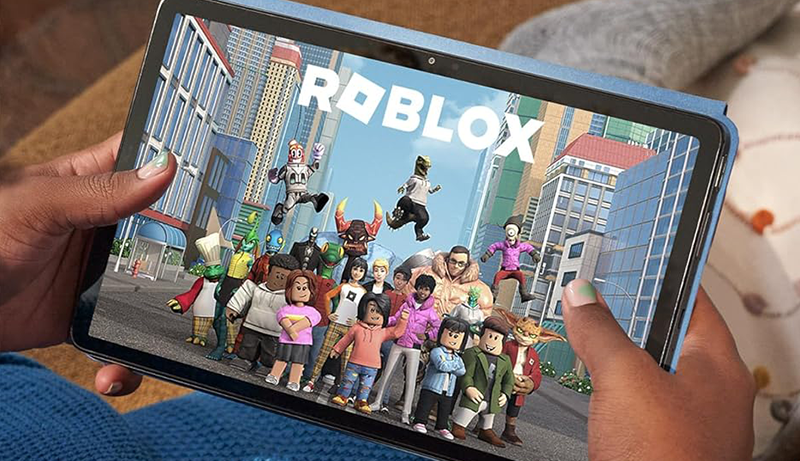
Fire HD 10
From everyday communication to creative exploration, the right tablet helps break barriers by combining functionality and inclusivity. With thoughtful features like screen readers, magnification gestures, and voice typing, today’s tablets are empowering people to use technology with greater independence. Let’s explore the top-performing options that redefine convenience and accessibility for visually impaired users.
1. Apple iPad (10th Generation)
This tablet offers a vibrant display and sleek all-screen design, providing clear visuals that make reading and viewing effortless. The responsive interface ensures smooth multitasking and easy navigation, while the vivid screen brings sharp color and contrast suitable for users who rely on clarity. With advanced display technology, the device adapts to surrounding light, maintaining optimal visibility in any environment.
Its operating system enhances productivity and accessibility through features like text-to-speech, magnifier tools, and customizable touch gestures. It supports stylus input, transforming the tablet into a tool for drawing, writing, and taking notes naturally. The inclusion of a fingerprint sensor ensures quick and secure access without the need for passwords, a useful feature for visually impaired users.
Wireless connectivity allows seamless browsing, communication, and entertainment. Combined with excellent battery life and a balanced size that’s easy to hold, this tablet offers an all-around solution for users seeking comfort and performance. Whether for reading, streaming, or creative tasks, it delivers consistent quality and accessibility.
2. Samsung Galaxy Tab A8
This tablet delivers a wide 10.5-inch screen that enhances readability and viewing comfort. The display’s clarity and color balance make it easier to distinguish details, supporting users who prefer larger, easy-to-see visuals. With an intuitive interface, it offers straightforward navigation, ensuring quick access to apps and settings without unnecessary complexity.
Its ecosystem integration allows seamless syncing with other devices, making it convenient for users who want all their information connected in one place. The tablet includes features designed for accessibility, such as voice interaction and customizable text scaling. It’s also built for durability, ideal for everyday use whether at home or while traveling.
The tablet provides a smooth streaming experience and ample screen space for browsing, video calls, and reading. Family-friendly settings and parental controls make it suitable for all ages, while the long-lasting battery supports extended use throughout the day. For visually impaired users, the tablet’s bright, high-resolution display and ease of navigation make it an effective companion for work, study, or entertainment.
3. Amazon Fire HD 10
Designed for simplicity and entertainment, this tablet offers a bright 10.1-inch Full HD screen that ensures crisp and colorful visuals. The display provides excellent contrast, making it suitable for users who need sharper details or larger icons. Built for everyday use, its sturdy construction and smooth performance create a user-friendly experience.
Accessibility is a major strength, with built-in voice control through Alexa. Users can perform tasks like reading books, controlling smart home devices, or checking messages hands-free. The device also includes parental control options and customizable display settings, ensuring safe and comfortable use for everyone in the family.
Its interface allows quick access to streaming apps, web browsing, and reading platforms. The lightweight design makes it easy to carry and hold for long periods, while its battery performance supports extended viewing sessions. The tablet’s voice features, text enlargement options, and seamless navigation make it a practical choice for visually impaired users seeking convenience and reliability.
4. Samsung Galaxy Tab S5e
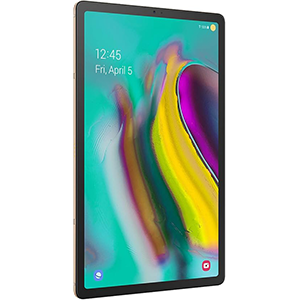
This tablet stands out with its ultra-light body and stunning Super AMOLED display that brings every image and text to life. The vivid colors and exceptional contrast ensure a viewing experience that’s ideal for visually impaired users who depend on high brightness and clarity. Its slim design makes it comfortable to hold, even during extended use.
The tablet’s interface is designed for intuitive control, offering accessibility tools like voice assistance, screen magnification, and adjustable color modes. Users can easily switch between apps, control smart home devices, or stream content without strain. High-quality sound powered by Dolby Atmos enhances the multimedia experience, making speech and audio cues clearer.
With long-lasting battery life and fast charging support, it’s ready for on-the-go productivity or relaxation. The device also integrates seamlessly with other connected devices, allowing easy content sharing and control. Combining an immersive screen, premium design, and strong accessibility options, this tablet is a great choice for users seeking comfort, performance, and ease of use.
5. Microsoft Surface Go 3
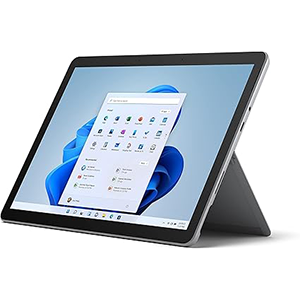
Compact and adaptable, this tablet offers a versatile touchscreen designed for both portability and productivity. The high-resolution display delivers sharp text and vivid imagery, making it ideal for users needing enhanced visual clarity. Its adjustable kickstand allows comfortable positioning for reading, typing, or video calls.
The device runs on an intuitive operating system that supports a wide range of accessibility tools, including screen magnifiers, narration, and contrast adjustments. Users can also interact through voice commands, ensuring effortless navigation without relying solely on touch input. The tablet’s precision stylus compatibility adds versatility for note-taking or sketching.
With multiple connectivity options, users can plug in essential accessories or connect wirelessly for seamless multitasking. The durable construction ensures long-term reliability, while its battery performance supports full-day use. Compact yet powerful, this tablet balances usability and mobility, making it a dependable choice for visually impaired individuals who value accessibility, flexibility, and a clean interface.
How to Choose the Best Tablet for Visually Impaired
Selecting the best tablet for visually impaired users involves evaluating accessibility, screen quality, operating system, and usability. Each factor plays a vital role in ensuring comfort, independence, and ease of interaction.
1. Display and Clarity
A bright, high-resolution display is essential. Look for tablets with vivid color contrast, wide viewing angles, and adaptive brightness. AMOLED or Retina displays provide better sharpness and clarity, helping users distinguish details more easily. A larger screen size—around 10 inches or more—also helps with text visibility and touch accuracy.
2. Accessibility Features:
The best tablets come equipped with accessibility tools such as voice guidance, magnification gestures, text-to-speech, and screen readers. Operating systems like iPadOS, Android, and Windows offer these options natively. The ability to adjust text size, color contrast, and keyboard layout further enhances usability.
3. Voice Assistance:
Voice control systems like Siri, Google Assistant, and Alexa allow hands-free operation. They enable users to open apps, read messages, or perform searches without needing visual input—critical for those with limited sight.
4. Touch Sensitivity and Interface Design:
Responsive touchscreens make navigation smoother. Choose tablets with simple layouts, large icons, and minimal clutter for effortless use.
5. Battery and Build:
Long-lasting battery life ensures users stay connected for longer without frequent recharging. Lightweight and durable designs make tablets more portable and easier to handle.
6. Ecosystem and Compatibility:
Consider how the tablet integrates with other devices—phones, laptops, or smart home systems. Seamless synchronization enhances productivity and convenience.
Ultimately, the best tablet for visually impaired users is one that combines accessibility, visual comfort, and versatility. By prioritizing clarity, assistive tools, and voice control, you can find a device that makes digital interaction simple, empowering, and enjoyable.
Is Android, Fire OS, or iPadOS Better?
When it comes to tablets for visually impaired users, the choice between Android, Fire OS, and iPadOS depends on individual preferences and ecosystem needs.
iPadOS stands out for its polished accessibility features. It includes VoiceOver (a powerful screen reader), Magnifier mode, and Speak Screen, allowing users to hear on-screen text read aloud. The interface is intuitive, and apps are optimized for accessibility. iPadOS also integrates seamlessly with other Apple devices, making it ideal for users already within the Apple ecosystem.
Android offers great flexibility and customization. It supports large text adjustments, high-contrast themes, TalkBack (Google’s screen reader), and voice commands through Google Assistant. Android tablets often come in various sizes and price ranges, making them accessible to more users. Its open system allows for installing third-party accessibility apps, offering more control over how users interact with their devices.
Fire OS, based on Android, simplifies tablet use further. It provides Alexa voice control, text enlargement options, and strong parental features. It’s great for entertainment and smart home control, though it has fewer accessibility settings than pure Android or iPadOS.
Overall, iPadOS leads in refinement and built-in accessibility, Android excels in customization, and Fire OS offers simplicity and affordability for casual users.
What Size Tablet Do You Need?
Choosing the right tablet size depends on comfort, vision needs, and portability. For visually impaired users, larger displays often provide better readability and touch accuracy. A 10-inch or larger screen offers sufficient space for enlarged text, icons, and easy gesture control. It’s especially helpful when reading, browsing, or using magnifier tools.
Smaller tablets, such as those around 8 inches, are lightweight and easy to carry but may require more zooming and scrolling. If portability is your top priority, they remain a practical option for basic tasks like messaging or listening to audiobooks.
Larger tablets, however, excel at delivering immersive experiences. Their spacious displays accommodate accessibility tools like split-screen view, larger keyboard layouts, and high-contrast modes without crowding the interface.
Ultimately, balance is key—choose a size that offers both visual comfort and portability. For most users with vision impairments, 10 to 11 inches provides the best mix of usability, clarity, and convenience.
Best Tablet for Visually Impaired – FAQs
1. What features should a visually impaired user look for in a tablet?
Look for screen readers, voice assistants, large text options, and high-contrast display modes.
2. Can tablets read text aloud?
Yes, most tablets have built-in text-to-speech tools that read content, messages, or documents aloud.
3. Which display type is best for low vision?
AMOLED, OLED, or Retina displays offer better brightness, contrast, and color accuracy, making them ideal.
4. Are styluses useful for visually impaired users?
Yes. Styluses help with precise touch interaction, drawing, and note-taking when finger control is difficult.
5. Do tablets support external keyboards or screen magnifiers?
Most modern tablets support Bluetooth keyboards and software or hardware magnifiers for easier control.
Conclusion
The best tablet for visually impaired users goes beyond performance—it’s about accessibility, comfort, and adaptability.
Whether using iPadOS, Android, or Fire OS, each platform provides valuable tools that make everyday tasks more manageable and enjoyable. From vivid displays to intelligent voice assistants, today’s tablets empower users to connect, learn, and create independently.
Choosing one that fits your needs ensures a smoother, more inclusive digital experience—proving that technology can truly be for everyone.


Leave a Reply